
Certificate of Recognition (COR) Refund Request
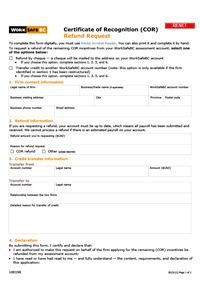
Employers who have received a Certificate of Recognition (COR) incentive can use this form to request a refund of the remaining COR credit from their assessment account.
To complete this form electronically, follow these steps:
- Click the “Download PDF” button. The downloaded form will be copied to the Downloads folder on your computer hard drive.
- Open the form in Acrobat by right clicking on the PDF file>Open with>Acrobat to complete the form.
Technical issue with form “Submit” buttons and new Outlook
If you're using Microsoft's new Outlook as your default email application, we may not have received your recent form submission. Some of our PDF forms include a “Submit” button, and these buttons are not working with new Outlook as intended due to an incompatibility between Microsoft and Adobe.
While we update our forms, please do not use the Submit button. Instead — if the form includes an email address — save your completed form and send it by attaching it to an email.
If you’ve recently submitted a form and would like to check that we’ve received it, please get in touch through our contact centres or technical support team. We apologize for the inconvenience and are working to fix the issue as soon as possible.
Additionally, please note that the form's functionality will not work properly if the form is opened in an internet browser such as Microsoft Edge or Google Chrome.